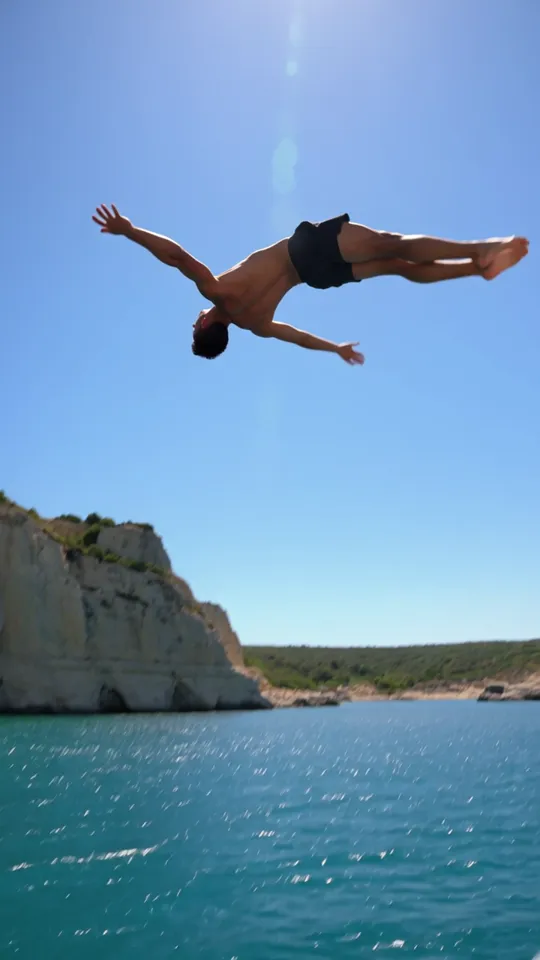
Close-up of a woman opening a serum bottle by the window, morning light, the camera slowly pushes in.
Step 1
Describe your scene
Write what happens on screen. Use + to add a start image, your product or your AI influencer.
Each video comes from a different model, with no editing. The exact prompt is under the video, and the model name opens its page with more examples.
Close-up of a woman opening a serum bottle by the window, morning light, the camera slowly pushes in.
Step 1
Write what happens on screen. Use + to add a start image, your product or your AI influencer.
Step 2
Pick the model, format, length down to the second and quality. The credit cost shows before you start.
 8s
Step 3
It lands in your history. Download it, reuse its prompt for a variant or file it in a project.
The generator creates a shot from text or an image. To clone a viral video, extend a shot or make your AI influencer dance, use these tools.
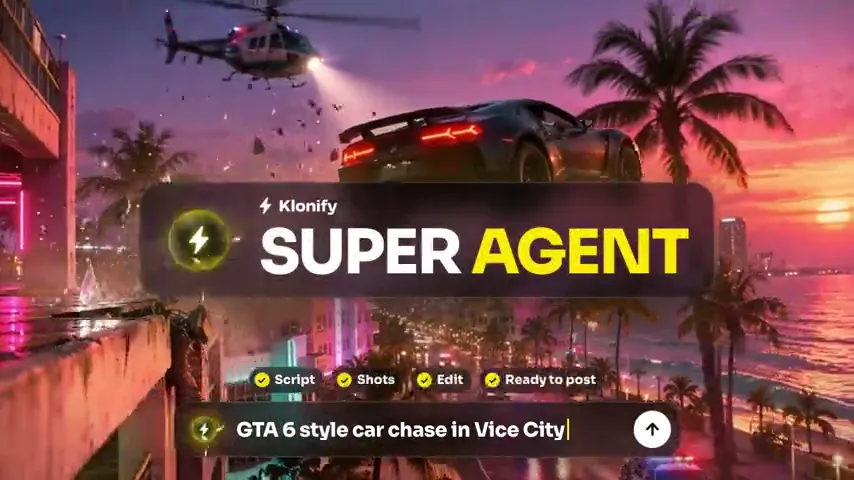 Super AgentPaste a viral video link or describe your idea: the agent writes the prompt, picks the model and shows the cost before starting.
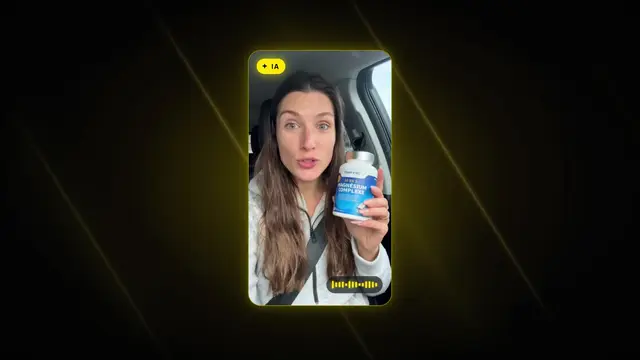 TransferYour AI influencer copies the gestures, dance or moves of a video you upload.
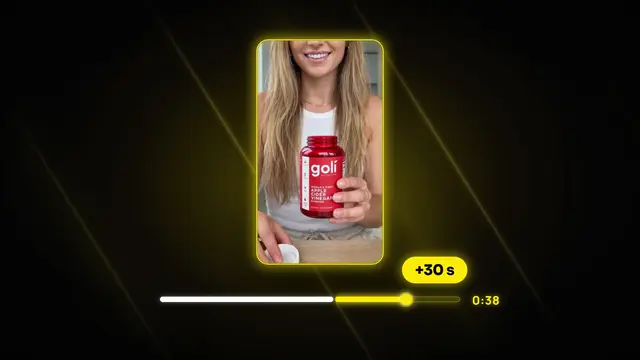 ExtendAdd 2 to 30 seconds to the end of a video: the new part keeps the set, the voice and the product.
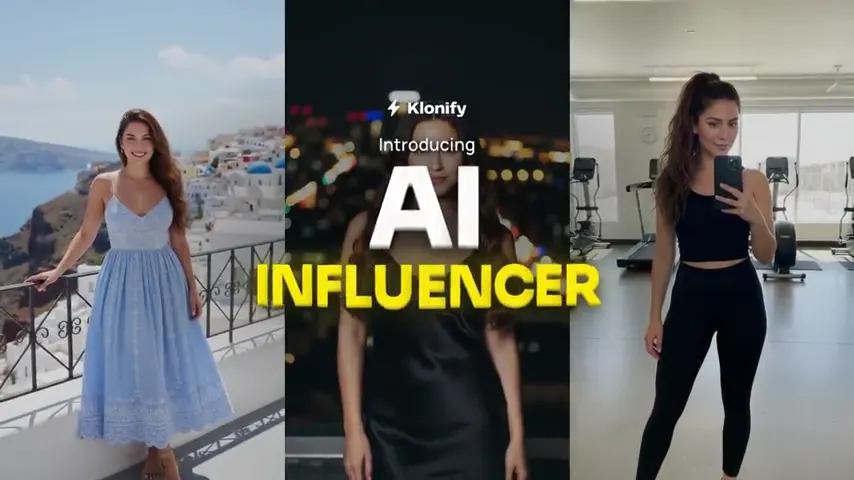 AI influencersCreate an AI influencer with a face, a voice and a style, then cast them in your videos.
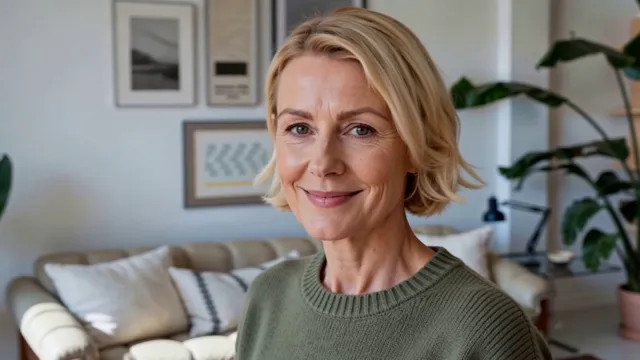 Viral cloningPick a TikTok video that works and remake it with your product and your AI influencer.
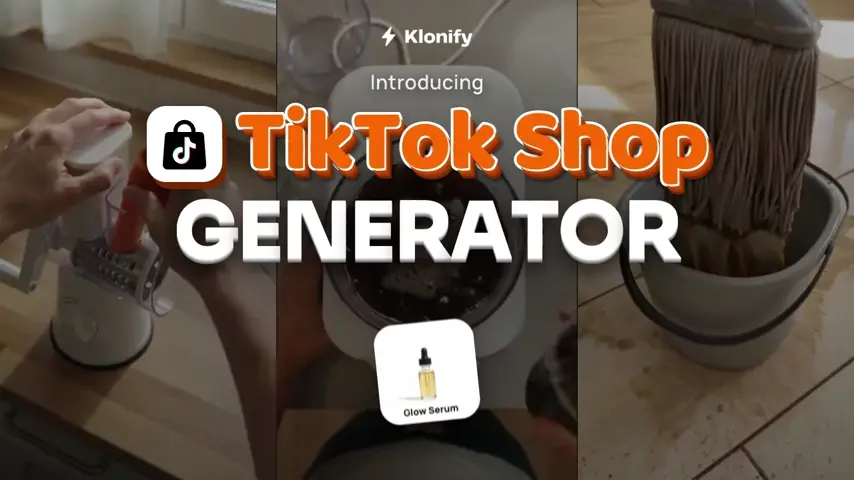 TikTok Shop studioImport a TikTok Shop product and generate the videos that showcase it, ready to post.
Click a model to open it in the studio: the credit cost shows before you start.


24 video models are open in the studio, including Kling, Seedance, Wan, Grok Imagine and Happy Horse. Switch between them in the model menu, without changing tools.
Each model has its own price in credits, based on length, resolution and sound. The exact cost shows on the button before you start. A failed generation is not charged.
Yes. Add one or more reference images with the + button. The model keeps the face, the product and the set from the image.
9:16 for TikTok, Reels and Shorts, 16:9 for YouTube, 1:1 for a post. The format sits in the bar, next to the model.
Yes. Pick your AI influencer in the references: they appear in the video with their face and style. Transfer also makes them copy the gestures of an existing video.
Kling, Seedance, Wan, Nano Banana, GPT Image and more in one account, with the same credits.
The bar shows the exact credit cost based on length, resolution and sound. Nothing is charged until you start.
If the provider can't finish, the generation is marked as failed and your credits go back to your account.
Paste a viral video link or describe your idea: the agent picks the model, writes the prompt and shows you the cost.
AI content. Real opportunities.
Create your Klonify account: the credit cost shows before every generation, and everything you make stays in your history.