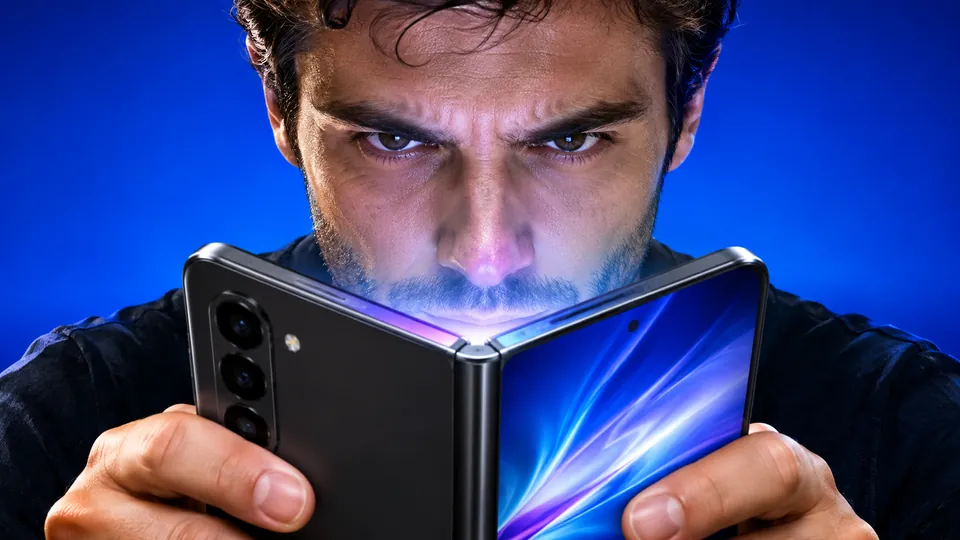
Make thumbnails for YouTube and ShortsMake thumbnails for YouTube|YouTube
Write your video title or paste the link of a thumbnail that works. Klonify makes it with your face.
AI Thumbnails, Coming Soon: High-CTR YouTube Thumbnails That Get Clicks
On YouTube, your thumbnail determines whether people click. Klonify Thumbnail Studio, coming soon, will use your video title, or the link to a top-performing video, to generate multiple high-CTR thumbnail variations featuring your face, emotion, and preferred visual style. You'll compare options, pick the winner, and download it formatted for YouTube or Shorts.
Featuring Your Real Face
The thumbnail features you with expressions tailored to match your video title.
Recreate Winning Thumbnails
Paste any YouTube link and choose your variation style: inspired by, close match, or near-identical layout.
Emotion and Visual Style
Shocked, curious, serious, excited; high-contrast, cinematic, or clean minimalist. Or choose Auto to match what works in your niche.
Generate Multiple Variations
Render several versions in one click and pick the highest-converting option. Pricing is displayed upfront before generating.
Frequently asked questions
Is Thumbnail Studio available?
It's coming soon to Klonify. In the meantime, the Image studio already creates visuals from a text prompt or a photo.
What size should a YouTube thumbnail be?
1280 × 720 pixels in a 16:9 aspect ratio, following YouTube specifications. For Shorts, cover images use vertical 9:16.
Do I need Photoshop or Canva experience?
No. Just enter your video title, and the AI handles composition, text placement, and your face cutout automatically.
Can I recreate another video's thumbnail?
Yes, using it as creative inspiration: paste the link and choose your match level. Keep your own title and face so the thumbnail remains unique to your brand.